Smart Canvas Resizer
A downloadable tool
Tired of doing math every time you start a new pixel art piece for social media?
Smart Canvas Resizer automates the setup of your Aseprite workspace. It calculates the exact native resolutions required to scale perfectly up to standard social media dimensions (based on a 1080p target). Work safely within your desired proportions, eliminating pixel distortion and blurry exports.
✨ Key Features
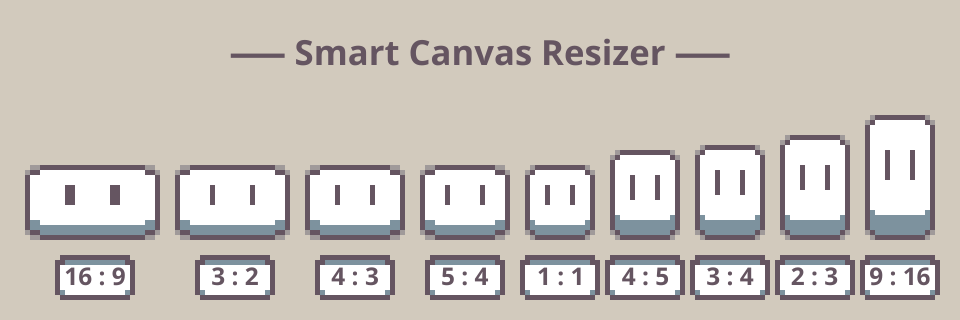
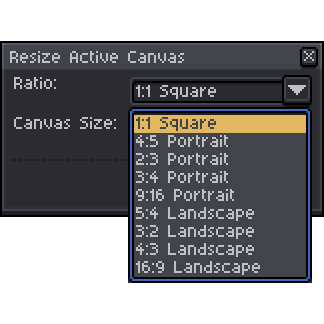
- Preconfigured Ratios: Native support for Square (1:1), Portrait (4:5, 2:3, 3:4, 9:16), and Landscape (5:4, 3:2, 4:3, 16:9).
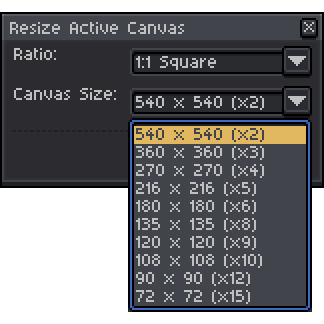
- Perfect Scaling: Displays only the exact resolutions that guarantee integer pixel scaling up to x15.
📖 How to Use It
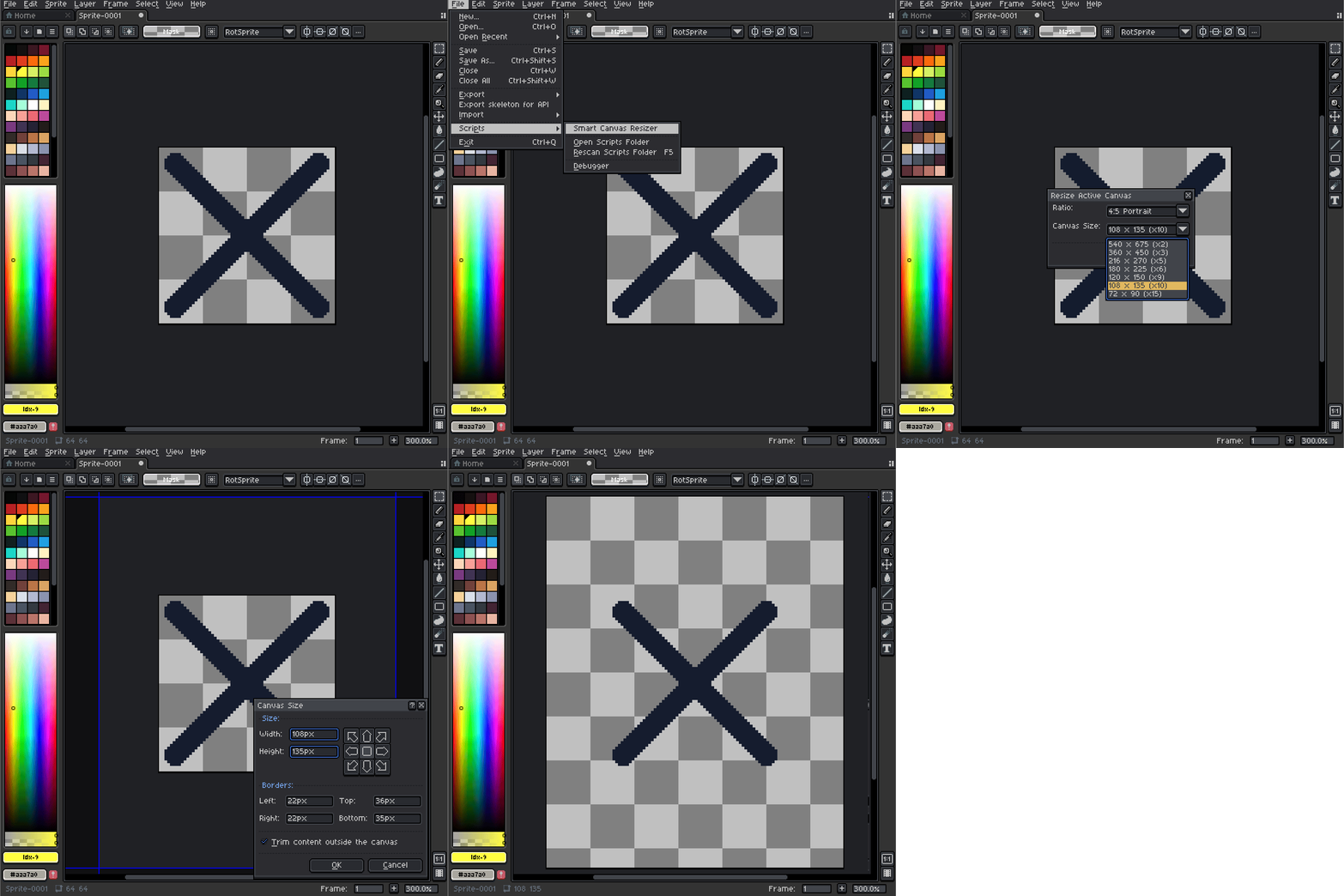
- Open your current sprite or create a new one in Aseprite.
- Run the script from File > Scripts > Reshape Active Canvas.
- Select your desired Aspect Ratio (e.g., 9:16 , 4:5, ...).
- Choose the ideal Native Size from the dropdown menu (e.g., 216 x 270 (x5)).
- Click Apply: after selecting the desired anchor your canvas will be instantly resized!
📦 How to Install
- Download
Smart Canvas Resizer.lua. - In Aseprite, go to File > Scripts > Open Scripts Folder.
- Drag and drop the downloaded
.luafile into that folder. - Back in Aseprite, go to File > Scripts > Rescan Scripts Folder.
- You are ready to go!
Download
Click download now to get access to the following files:
Leave a comment
Log in with itch.io to leave a comment.